
Photography Tips · Part 1
You do not need an expensive camera to enjoy photography. A phone, a compact camera or a camera with interchangeable lenses can all give you a good place to start. Whatever you use, spending a little more time looking at the scene can make a surprising difference.
This series is for anyone who enjoys taking pictures, from someone who has only ever used their phone to a photographer wanting to explore more controls. Each post will offer something simple to try, plus a little extra for those who fancy it. No equipment exam at the door.
The camera I use—and why it suits me
My camera is a Panasonic Lumix DC-TZ90EB-K. What I particularly like is its size and zoom: it is a compact camera with a 30× optical zoom, and it has plenty of useful features to explore. For me, it is a quality bit of kit. A camera you are happy to take along gives you more chances to notice a photograph.
That is my choice, rather than a shopping requirement for this series. If you have a phone, start there. If you already own a camera, get to know it before deciding you need another one. For anyone curious about my model, here is an Amazon search for the Lumix TZ90; check the exact model, condition and current price in any listing.
A garden visitor, brought closer

This robin photograph is an example of my Lumix at the long end of its zoom. Notice the feather detail and how the bird stands out against the softer background. Zoom gives you a tighter view from where you are standing, which can be useful when approaching would disturb a subject. It still pays to watch the light, choose your focus carefully and hold the camera steady.
On a phone, try its available lens choices and compare the results. Pinching to zoom may use digital enlargement, depending on the phone and zoom level, so check the detail afterwards. You can also practise with a flower or another still subject, where moving closer is easy.
A small tripod and a useful phone app
I also often use an iGadgitz flexible mini tripod and control my Lumix from my iPhone using Panasonic Image App. The app is excellent in my experience: it lets me take a photograph remotely without pressing the camera’s shutter button. We will explore that setup in a later post. If you try a small tripod yourself, check its load rating against your camera and make sure it is stable.
Start with something ordinary
Choose one subject: a flower, a favourite mug, a leaf or an interesting doorway. You do not need a spectacular landscape. A familiar subject lets you concentrate on how you photograph it, rather than hunting for something impressive.
Before pressing the button, ask yourself: what caught my eye? Was it the colour, the shape, the texture or the light? Try to make that the strongest part of your picture.
Look at the light

Notice where the light is coming from. A flower beside a window can look quite different when photographed from another side. Outdoors, a cloudy day often gives softer light, while sunshine can produce stronger shadows. Neither is automatically better; look at what each does to your subject.
Try photographing the same subject in two different places or at two different times. Compare the results. Learning to notice light is useful with every kind of camera.
Give the background a quick inspection
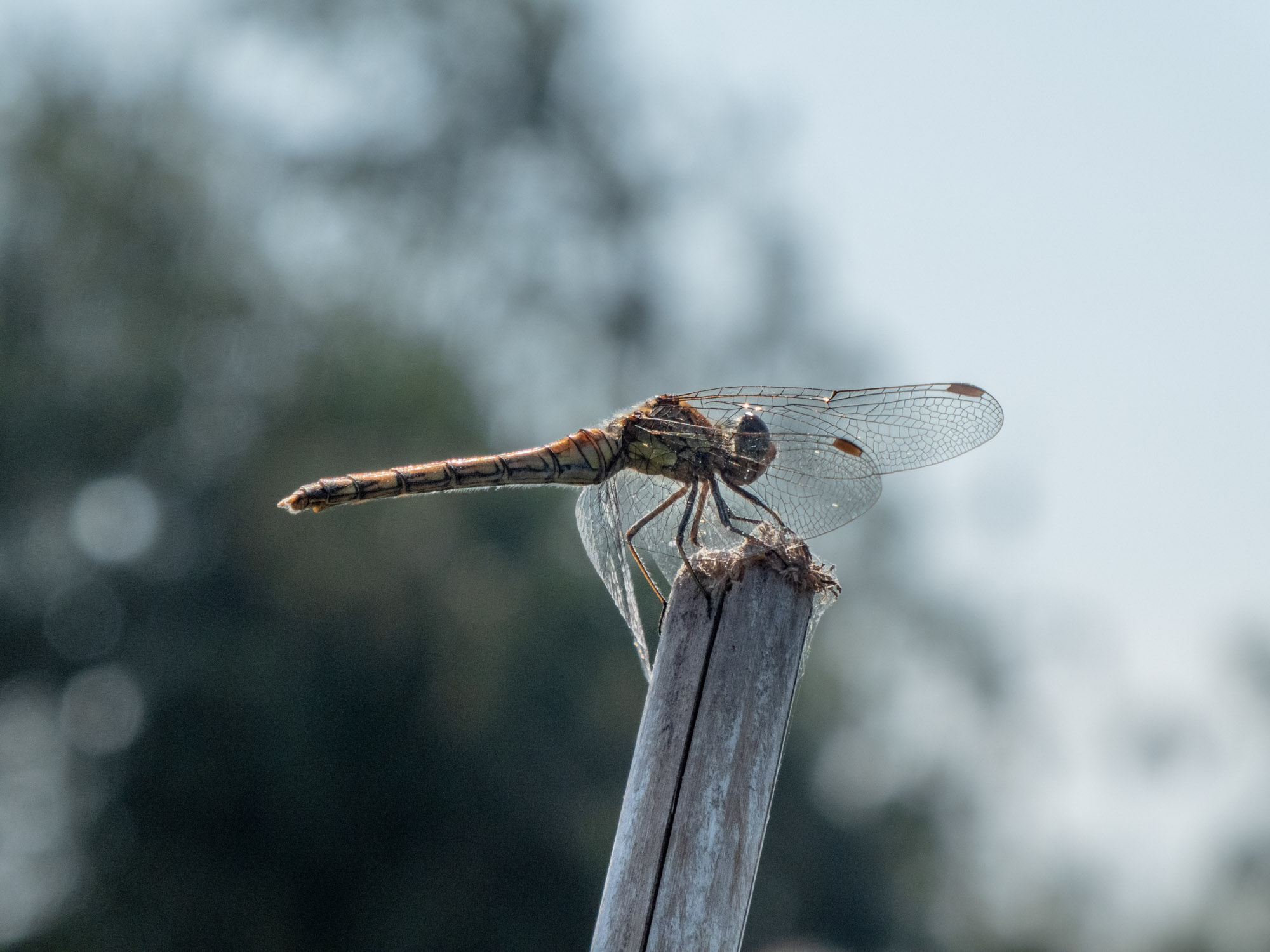
It is easy to be so interested in a flower that you miss the wheelie bin behind it. Check the whole frame, including its edges. A small step sideways, a lower viewpoint or a different angle may give you a much calmer background.
Take one picture from your usual standing position, then another from a different height. Move safely, respect other people’s space and avoid disturbing wildlife or damaging plants for a photograph.
A few habits worth keeping
Gently clean your phone’s camera lens with a suitable clean microfibre cloth; fingerprints can soften the picture. Hold your phone or camera steadily and press the shutter gently. On many phones, tapping the subject tells the camera where you want it to focus. With a separate camera, check that its selected focus point is on the part you want sharp.
If the picture is too bright or dark, try the brightness or exposure adjustment available on your device. The exact controls vary, so we will look at those in more detail later.
Try this: one subject, five photographs
Keep the same subject and take five pictures: your first instinct; a closer view; a lower viewpoint; a cleaner background; and a different direction of light. Change one thing at a time where you can.
Then choose your favourite. Ask what improved it and what you would change next time. You do not have to show anyone the other four. They have already done their job by helping you learn.
Try a little more
If you already feel comfortable with the basics, take two deliberate versions of the scene: one with the subject isolated, and one showing its surroundings. Decide which tells the story better. More advanced controls can help, but first make a clear choice about what you want the photograph to say.
Photography Tips: All eight posts · Next: Learning to see a photograph
No responses yet